Gemini Watermark Remover
A newly introduced forced watermark interrupted my image workflow. What began as a search for a workaround became a small, private tool of my own.
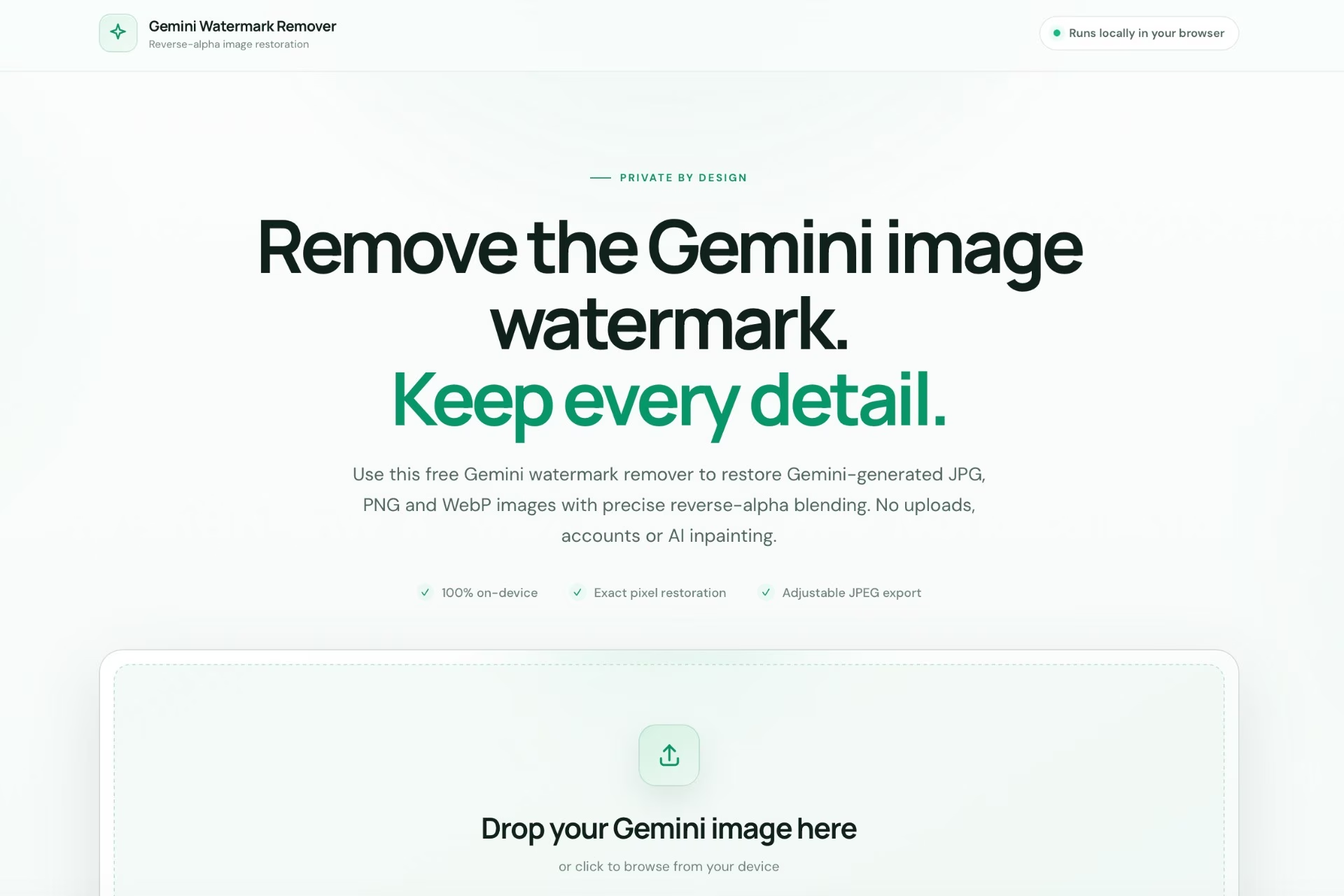
I regularly use Google Flow to create and modify images. It has become a useful part of my workflow: create something, download it, take it into another app, and keep moving.
Until recently, the images I downloaded from Flow did not carry a visible watermark. Then, all of a sudden, Google began adding one automatically and gave me no way to turn it off. It was small, but it changed the output enough to disrupt how I used the images.
Google’s updated Flow documentation now says that a visible watermark is applied automatically to users in India, South Korea, and Vietnam. This was a new development, so I started looking for a dependable way to remove it.
I found an open-source Gemini watermark remover that handled videos. Its underlying idea was more interesting than the interface: it used reverse alpha blending to reconstruct the pixels beneath the visible white watermark. I wondered whether the same approach could work for still images.
Starting With Pixelmator
My first thought was not to build anything. I wanted to reproduce the calculation inside Pixelmator Pro using its Subtract and Divide blend modes.
The watermark is a translucent white mark placed over the original image. If its alpha map is known, the original pixel can be estimated by subtracting the watermark contribution and dividing by the remaining transparency.
The maths was simple enough. The practical problem was precision. The alpha map had to use the right watermark version and sit in exactly the right place. A one-pixel shift could leave a light or dark outline. It worked as a manual technique, but it was not something I wanted to rebuild for every image.
From A Repository To An Offline Tool
The open-source project already contained the removal engine, calibration images, and support for Gemini’s visible watermark sizes. What I needed was a much smaller version focused only on images.
I used Codex to adapt it into a self-contained browser tool. It accepts JPG, PNG, and WebP files, processes them locally, and exports the result as JPEG. No account, no installation, and no image upload.
That last part mattered. Generated images can still be private work, client work, or unfinished ideas. A watermark remover did not need to become another service that collected them.
- Runs entirely in the browser
- Supports individual images and batches
- Uses the original reverse-alpha restoration method
- Lets the result be copied or downloaded as JPEG
The JPEG Quality Rabbit Hole
The first version exported at 95% quality. The result looked good, but the files were nearly twice the size of the originals from Nano Banana Pro.
I inspected one of those originals. Its JPEG tables suggested a high nominal quality, but its custom encoder compressed more efficiently than the browser. Matching the same quality number did not match the same file size.
So I stopped treating “quality” as a universal percentage and made it editable. The slider applies compression only when the JPEG is downloaded, which means the watermark needs to be removed only once. After testing the same image at several settings, 60% matched the original file size without visible loss in normal use, so that became the default.
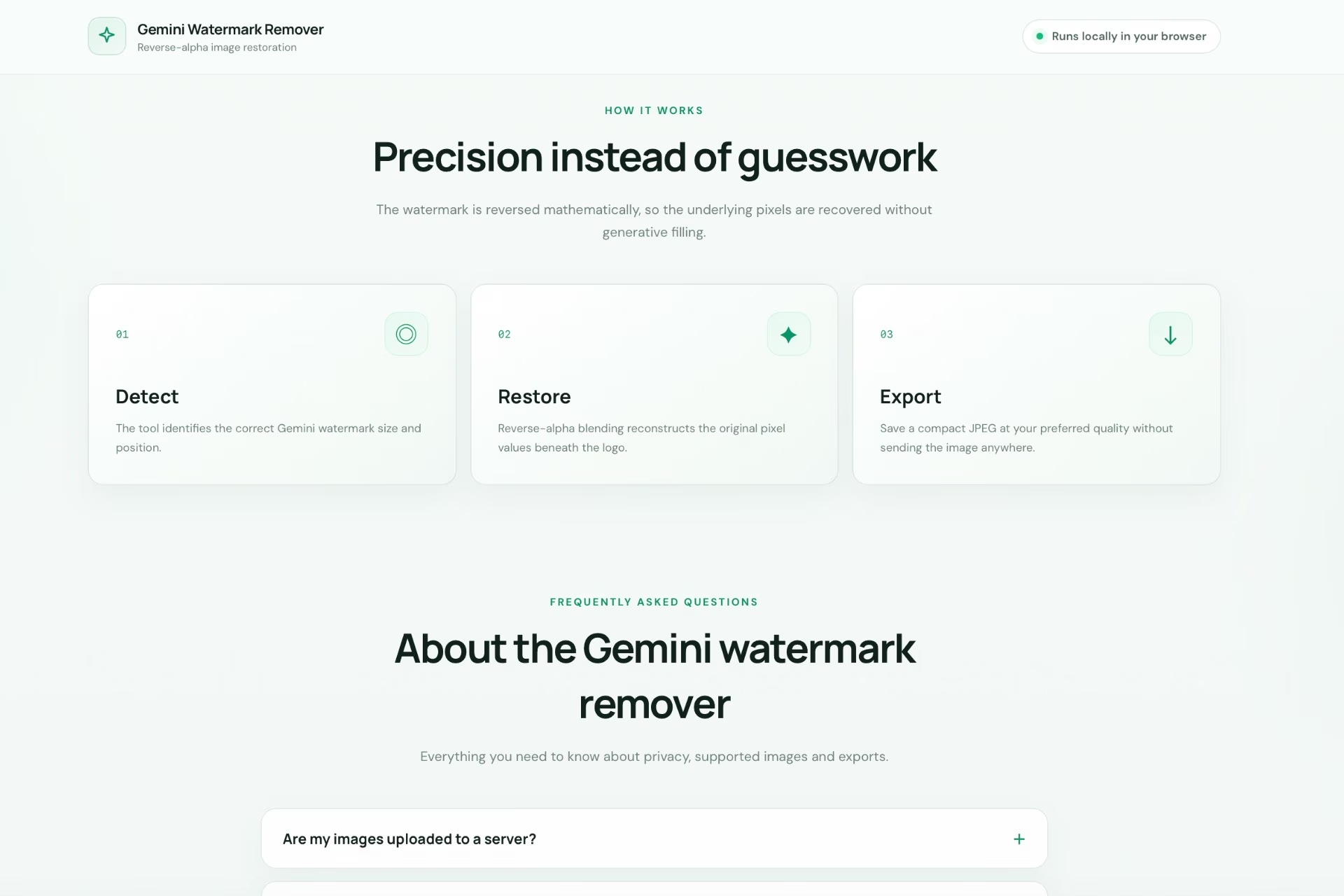
Making It Feel Like A Real Product
Once the processing worked, the rest of the work was about making it usable outside my own computer. The original interface still contained Chinese text and looked more like a development utility than a public tool.
I rewrote the interface in English, created a responsive light theme, added a clear upload area, before-and-after comparison, batch previews, privacy messaging, and a proper “Ready to save” panel. When processing briefly froze the page, I moved the heavy work into a background worker and added progress feedback so the interface stayed responsive.
The full development repository had hundreds of files, but the hosted tool did not need them. I reduced the deployable version to a lean static bundle: one page, one stylesheet, the processing scripts, and the worker. It can live on ordinary hosting without a backend.
Putting It Online
The finished tool is now hosted on my own domain. Upload an image, wait for the browser to restore the watermark area, compare the result, choose the JPEG quality, and download it. The image never leaves the device.
Open Gemini Watermark Remover ↗
It began as a small interruption in a familiar workflow. The useful part was not merely removing the mark; it was turning someone else’s open-source idea into a focused tool that fits the way I actually work.
That is often how my favourite tools begin: one specific annoyance, followed far enough that it becomes useful to someone else too.
Ideas by me. Written by AI.
I’m explicit about how I write. The ideas, point of view, and responsibility are mine. AI helps with structure, clarity, and speed.
Why I work this way →Add a comment
Your comment will be sent to me privately before being published.